Protect Your Home Network with a Secure Guest Network

Protect Your Home Network with a Secure Guest Network
When friends, family, or service technicians connect to your Wi-Fi, they’re effectively stepping into your home network. It might seem harmless, but if one of their devices is infected with malware, it could put your personal data and smart devices at risk. Setting up a guest network is a simple and effective way to protect your digital home—without making it harder for your guests to get online. Here’s why and how you should create a secure guest network.
Why a Guest Network Matters
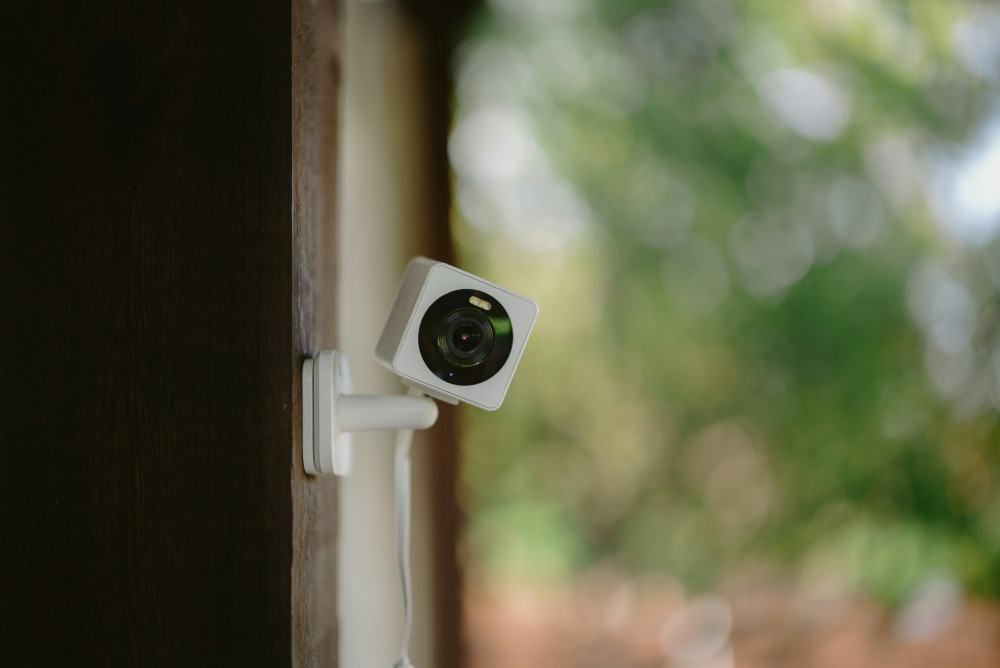
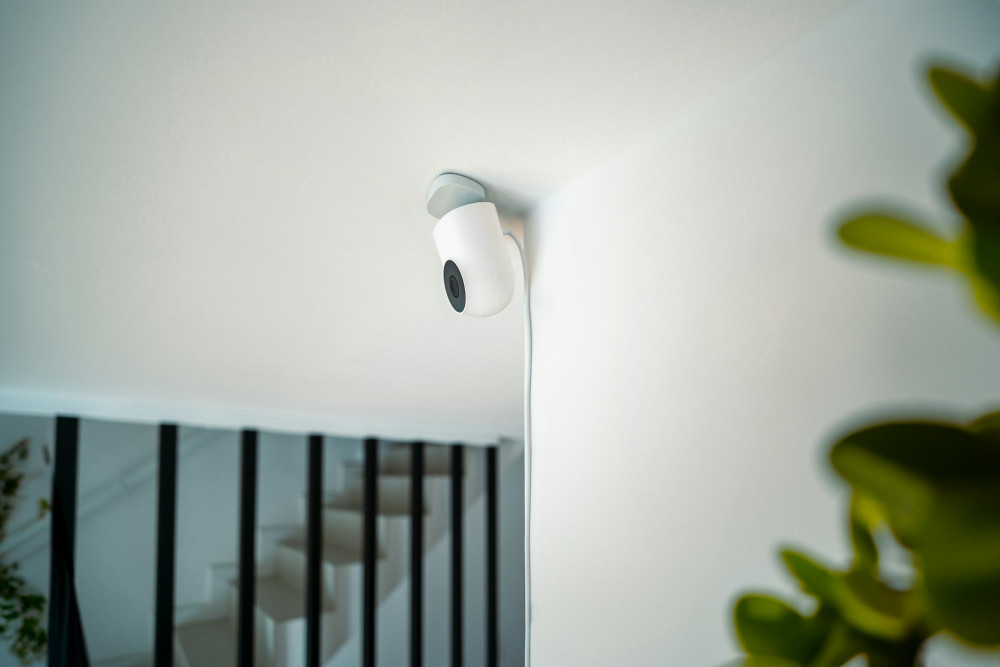
Most modern routers let you create a separate network just for guests. This means visitors can access the internet, but not your other devices—like your computers, printers, smart TVs, or security cameras.
A guest network acts as a digital barrier. If a guest’s phone or laptop is compromised, the malware can’t spread to your main network. That helps protect your files, your smart home devices, and your personal information.
It also saves you from sharing your main Wi-Fi password, which often gives access to your router’s settings. That makes it easier to stay in control of who can connect—and when.
How to Set Up a Guest Network
Most routers include a built-in guest network feature that you can enable through the router’s admin page or mobile app. The exact steps vary by brand, but the process usually looks like this:
- Log in to your router – usually by typing the router’s IP address (for example, 192.168.1.1) into your web browser.
- Find the “Guest Network” settings in the menu.
- Enable the feature and choose a network name (SSID) that’s clearly different from your main one—something like “SmithFamily_Guest.”
- Set a strong password using a mix of letters, numbers, and symbols.
- Restrict access so guests can only use the internet, not your local devices.
- Save your settings and restart the router if needed.
Once your guest network is active, you can share its name and password with visitors—without exposing your main network.
Keeping Your Guest Network Secure and Convenient
A guest network should be both safe and easy to use. Here are a few tips to strike the right balance:
- Use WPA3 encryption if your router supports it. It’s the latest and most secure Wi-Fi standard.
- Change the password periodically, especially if many different people have used it.
- Turn off the guest network when you don’t need it to reduce the risk of misuse.
- Limit bandwidth if you want to prevent guests from using too much of your internet speed for streaming or downloads.
- Keep your router’s firmware up to date to ensure you have the latest security patches.
Extra Protection for Smart Devices
If your home includes many smart devices—like lights, speakers, or cameras—it can be wise to create a third network just for them. That way, your personal devices and your guests’ devices are separated from the ones that may have weaker security.
Some routers also offer “IoT isolation,” which allows smart devices to connect to the internet but not to each other. This adds another layer of protection against potential hacking.
Læs også:
A Smart Step Toward a Safer Digital Home
A secure guest network isn’t just for tech enthusiasts—it’s a practical part of keeping a modern home safe. Just as you lock your doors when you leave, you should also secure your digital space against unwanted access.
Once it’s set up, a guest network requires little maintenance but provides a big boost in everyday security. And your guests will still enjoy easy internet access—just in a safer, smarter way.
Læs også: